
All online teachers and tutors need some method for scheduling classes – usually a booking calendar. The good news is that there are lots of options out there, including a wide range of free platforms great for those just starting out.
Note: After extensively researching and trying out 10+ alternatives, we’ve carefully limited this list to our top three which would actually suit online teachers, to keep it simple for you to pick!
Before we jump into the list…
Before setting up a system, ask yourself if you genuinely need automated booking right now.
If you only have a small handful of regular students, messaging them directly to lock in fixed weekly times is often the smarter business move:
- Reliable Income: Instead of relying on parents to manually pick times each week, set up a recurring monthly subscription on Stripe. You get paid automatically, and your monthly income stays stable.
- Fewer Unscheduled Classes: When parents use a self-booking calendar, they can easily forget to book a slot or quietly skip a week without telling you. Fixed weekly slots build a consistent routine.
- Schedule Control: Direct messaging lets you suggest gaps in your calendar first, rather than letting a parent book a single 30-minute lesson right in the middle of a day you wanted to keep free.
If you are at the point at which a booking system would be helpful though, keep reading…
Quick comparison
| Calendly (Free) | Cal.com (Free) | SetMore (Free) | |
| Best For | Quick & simple setup | Advanced solo tutors | Small tutoring teams (up to 4) |
| Event Types | 1 Event Type | Unlimited Event Types | Unlimited Event Types |
| Max Capacity | 1:1 Classes | 1:1 Classes & Group | 1:1 & Group (200 appts/month) |
| Integrated Payments | ❌ (Paid tier only) | ✅ Yes (Stripe & PayPal) | ✅ Yes (Stripe, PayPal, Square) |
| Video Integrations | Zoom, Google Meet, Teams | Zoom, Meet, Teams, Cal Video | ❌ (Paid tier only) |
| Calendar Sync | 1 Calendar | Unlimited Calendars | 1-Way Sync only |
Best Free Booking Calendar for Basics: Calendly
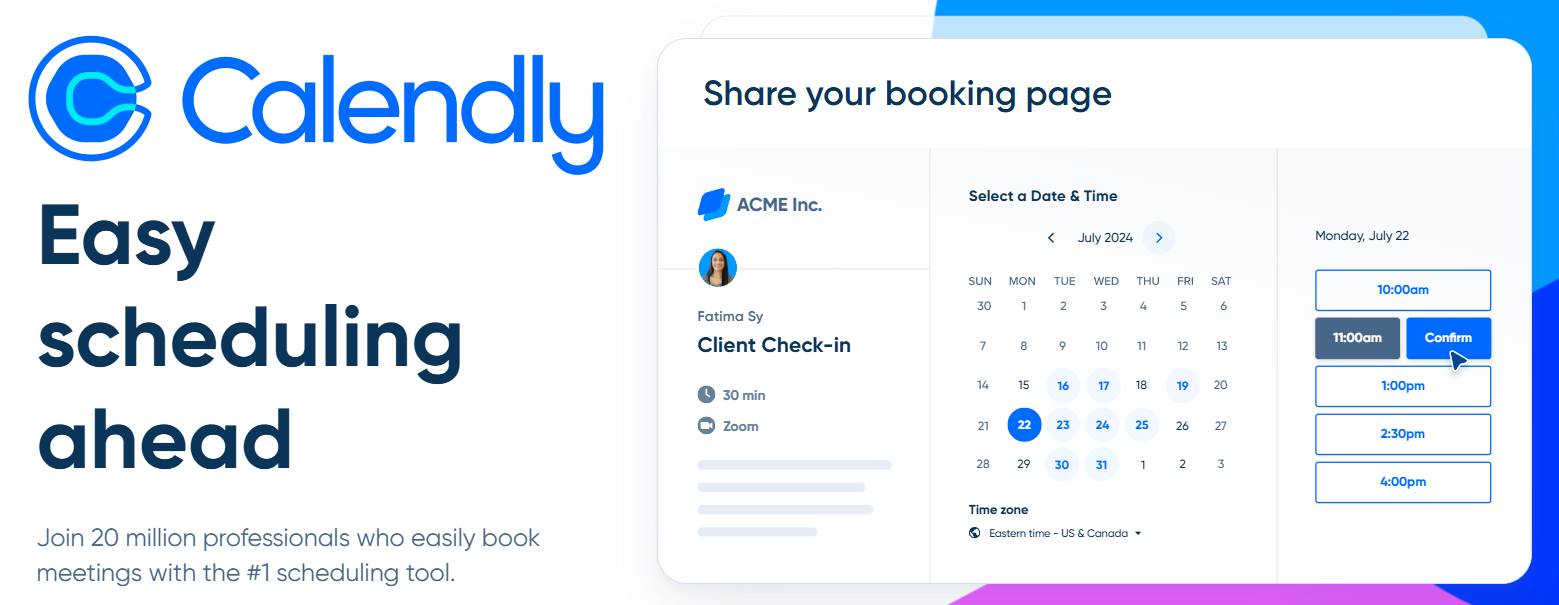
Calendly is the most well-known scheduling tool for a good reason. It is intuitive, reliable, and takes less than five minutes to configure.
Advantages
- Simple Setup: Clean interface that students and parents instantly know how to navigate.
- Core Integrations: Connects seamlessly with Zoom, Google Meet, and Microsoft Teams to generate unique classroom links automatically.
- Automated Notifications: Sends automatic email confirmations and calendar invites to reduce no-shows.
Limitations
- Single Event Type Limit: The free tier only allows one active booking type (e.g., a “25-Minute ESL Class”). If you offer 25-minute trials and 50-minute regular lessons, you will hit a wall.
- No Built-in Payments: Accepting payment during the booking process requires a paid plan.
Verdict: If you are brand new to online teaching and want a simple, hassle-free booking link ready in five minutes, start with Calendly.
Best Free Booking Calendar for Individual Tutors: Cal.com
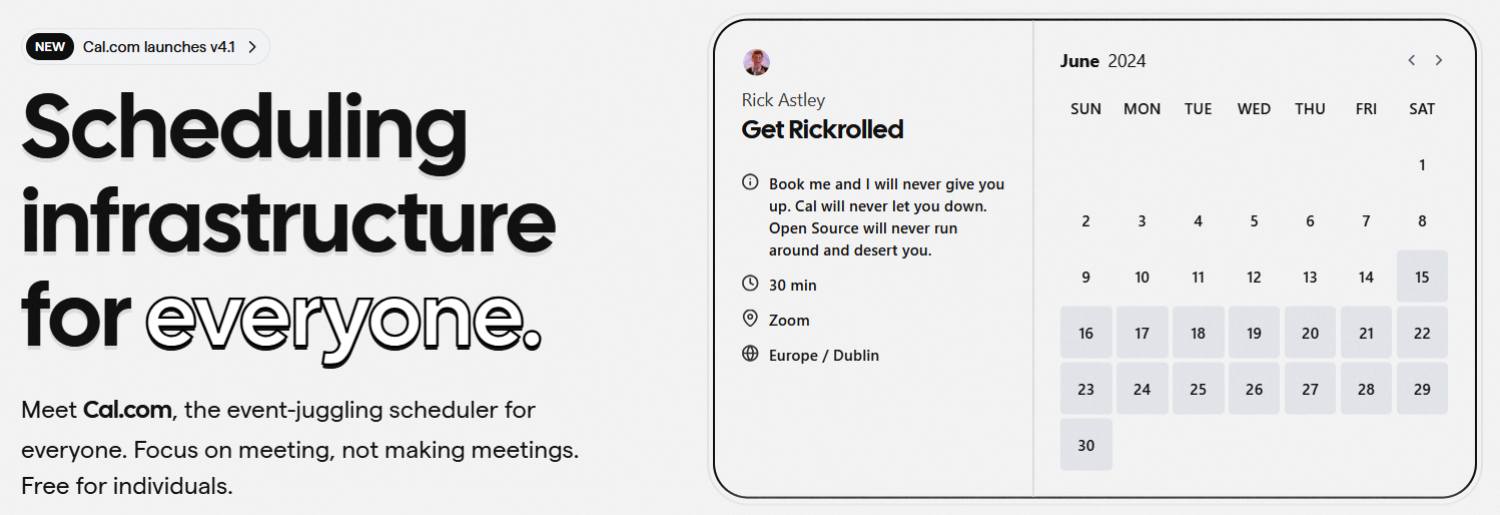
Cal.com is an incredibly powerful scheduling system for independent online teachers and private tutors. While it requires slightly more setup than Calendly, its free plan offers features that almost every competitor locks behind a paywall.
Advantages
- Unlimited Event Types: Create separate booking links for 15-minute trial classes, 30-minute phonics sessions, and 60-minute exam prep classes, without restrictions.
- One-On-One and Groups: Teach private classes or group programs to earn more per hour.
- Built-in Payments: Connect Stripe or PayPal directly to collect class fees at the time of booking, with no extra commission charged.
- Built-in Video System: Includes Cal Video directly in the browser, meaning you don’t even need a separate Zoom account to run lessons.
Limitations
- No Class Packages or subscriptions: It does not track student class credits (e.g. buying a 10-lesson bundle) or recurring subscription packages.
- Single-Tutor Limit: The free plan is built exclusively for individual tutors; team accounts require an upgrade.
Verdict: Cal.com is the most feature-rich free platform available for solo tutors who want to accept payments and offer multiple class lengths.
However, do be aware that Cal.com isn’t specifically targeted at tutors, so does feel a bit corporate and the lack of features such as recurring classes or selling class packages is a bit frustrating. If your online teaching is starting to scale, consider instead investing in a paid option such as SuperTeacher instead.
Best Free Booking Calendar for Small Teams: SetMore
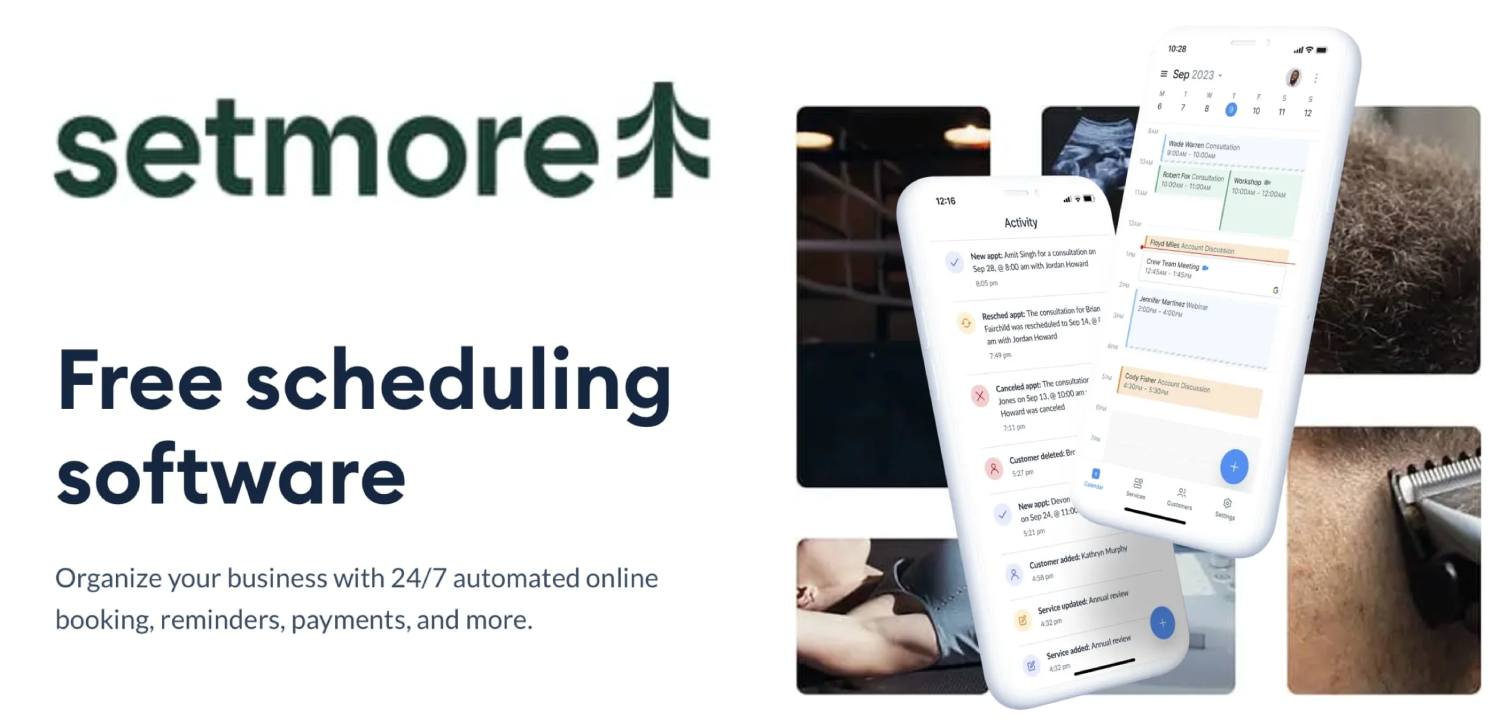
If you run a small online tutoring agency or team of teachers, check out SetMore as a free booking and class scheduling system.
Advantages
- Multi-Tutor Support: Free plan supports up to 4 staff profiles/calendars.
- Integrated Payments: Accept payment via Stripe, PayPal, or Square during booking.
- Custom Booking Page: Create a simple mini site promoting your classes, including custom branding and importing Google reviews.
- Mobile & Desktop Apps: Excellent native apps for managing bookings on your phone on the go.
Limitations
- 200 Bookings/Month Cap: Free accounts are restricted to 200 total monthly appointments.
- No Classroom Integrations: Auto-generating Zoom or Google Meet links and 2-way calendar sync requires upgrading to SetMore Pro.
Verdict: SetMore is a great temporary solution for small tutoring collectives, though busy agencies will quickly outgrow its 200-booking monthly limit. You would likely need to upgrade to a paid plan relatively quickly, or consider alternatives such as TutorBird.
Next Steps: When to Upgrade to Specialist Tutor Scheduling Software
Generic scheduling tools like Calendly and Cal.com work well for basic calendar management. However, as your teaching business grows, managing lesson credits, class workbooks, parent messaging, and student feedback through a plain booking calendar becomes messy.
When you’re ready to scale, consider upgrading to an all-in-one tutor management platform:
- SuperTeacher: Ideal for solo tutors. It handles scheduling, payments, group classes, self-paced courses, class packages, recurring subscriptions, and student notes / feedback in one place, with a beautiful tutor profile page and teacher / student dashboards.
- TutorBird: Ideal for tutoring agencies. A complete management platform for established tutoring agencies needing student billing, teacher payroll, and detailed attendance reports.
Summary
To review, the best booking system for you will depend on a range of factors, including your teaching platform, class format, payment setup, and business stage.
- Just starting out: stick with messaging to arrange regular times, or use a simple system like Calendly.
- Starting to scale: try out Cal.com, which supports group bookings and integrated payments, or consider a paid option like SuperTeacher for more teaching-specific features.
- Small agency: consider SetMore as a free option, or invest in a paid specialist system like Tutorbird.
Do you prefer using an automated booking calendar, or do you stick to direct messaging to keep fixed weekly slots? Drop your thoughts in the comments below!