
Are you a new independent online teacher or private tutor, looking for a free teaching platform for your online classes?
Let’s check out this list of 10 ✨free✨ online teaching / virtual classroom platforms, including options with built-in engagement tools, higher participant caps, and more generous meeting time limits.
Top tip: Set up at least two of these platforms, so you have a back-up platform in case of any unexpected tech issues!
Quick Comparison
Before we dig into the details, let’s compare key features and limitations of these top 10 platforms:
| Platform | Free Time Limit (1:1 / Group) | Max Free Capacity | Student Interactivity (Click/Drag) | Primary Best-Use Case |
| Zoom | 40 mins / 40 mins | 100 | 🖱️ Mouse Control + Annotation | Best overall quick-start choice |
| VooV | 24 hrs / 60 mins | 30 | ❌ None (Basic Whiteboard) | Stable connectivity for students in China |
| CoRoom | Unlimited / Unlimited | 4 | ✏️ Annotation + Shared Docs | 1:1 or small-group academic writing |
| Hyperbeam | 3 hrs / 3 hrs | 12 | 🌐 Co-Browser (Full Web Interactivity) | Web-based curriculum interaction |
| DingTalk | 40 mins / 40 mins | 9 contacts | ✏️ Annotation + Quizzes | All-in-one classroom platform for Chinese students |
| Google Meet | 24 hrs / 60 mins | 100 | ❌ None (Google Docs Sync) | Google Docs users |
| MS Teams | 30 hrs / 30 mins | 100 | 🖱️ Mouse Control + Annotation | Comprehensive school/class management |
| Bramble | Unlimited / N/A | 2 (1:1) | ✏️ Collaborative Whiteboard | 1:1 Whiteboard-heavy academic tutoring |
| Unlimited / Unlimited | 32 | ❌ None (Basic Screen Share) | Casual conversation & chat | |
| Discord | Unlimited / Unlimited | 25 | ❌ None (Basic Screen Share) | Teen/Gen-Z community groups |
Best for All-Round Features: Zoom
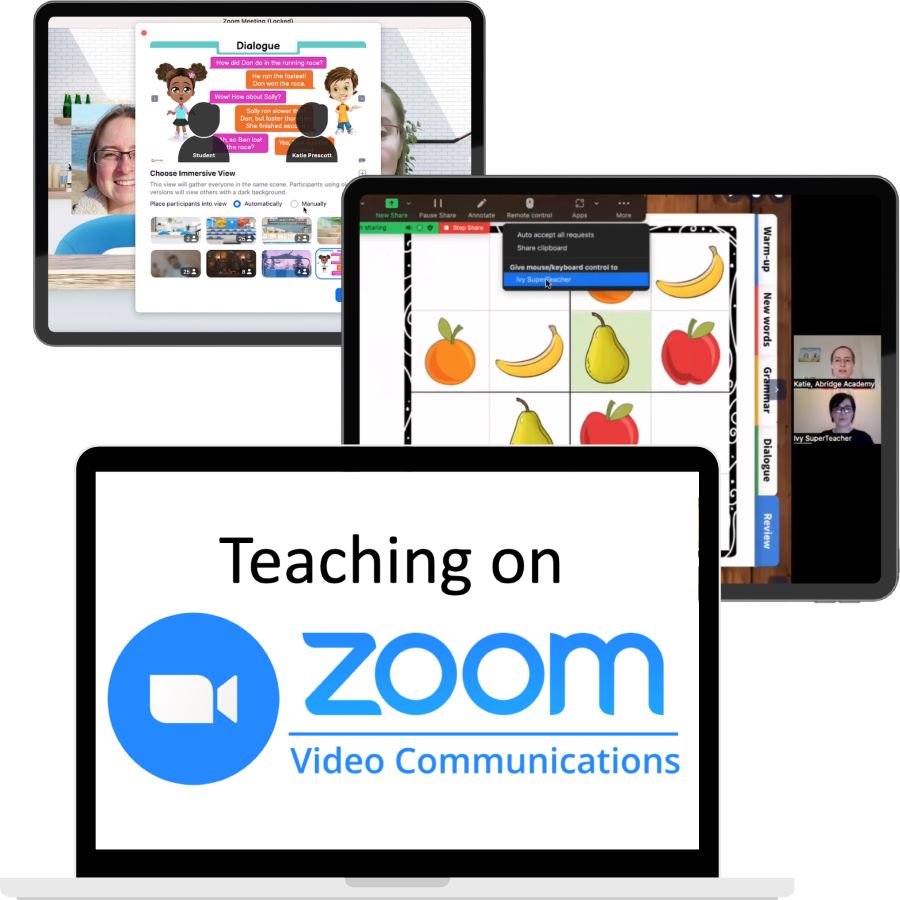
Zoom remains the default choice for millions of remote workers and educators worldwide. It is familiar to anyone who worked online during the pandemic, and is very stable / reliable.
It has a growing range of out-of-class features, student engagement tools, and interactivity too – which make online classes fun for kids.
| Zoom (Free Plan) Advantages | Zoom (Free Plan) Limitations |
|---|---|
| ✅ Familiar, easy to use, reliable quality. ✅ Excellent screensharing, including annotation tools. ✅ Good whiteboard tools, including worksheet uploads. ✅ Mouse control feature, allowing student interaction with web-based curriculum and games. ✅ In-class chat, emoji reactions, and hands-up feature. ✅ Decent out-of-class chat, notes, and file sharing. ✅ Record classes to your computer. ✅ Up to 100 participants per meeting. ✅ Booking calendar for students to book one-on-one classes. | ❌ 40 Minute time limit per meeting. ❌ Restricted to three whiteboards. ❌ Limited teaching / student engagement tools. |
For most online ESL teachers, particularly those using the Abridge Academy curriculum (which requires good screensharing features, ideally with annotation and / or mouse control), Zoom is the easiest option to get started with for free. The only major drawback is the 40 minute time limit, which could be an issue if you teach longer classes than the typical 25 minute sessions.
FREE Training on Teaching via Zoom
Given how popular Zoom is among Abridge Academy teachers, we’ve put together a totally FREE series of short videos showing you how to use key features and make your Zoom lessons more engaging for kids.
Best for Chinese Students: VooV
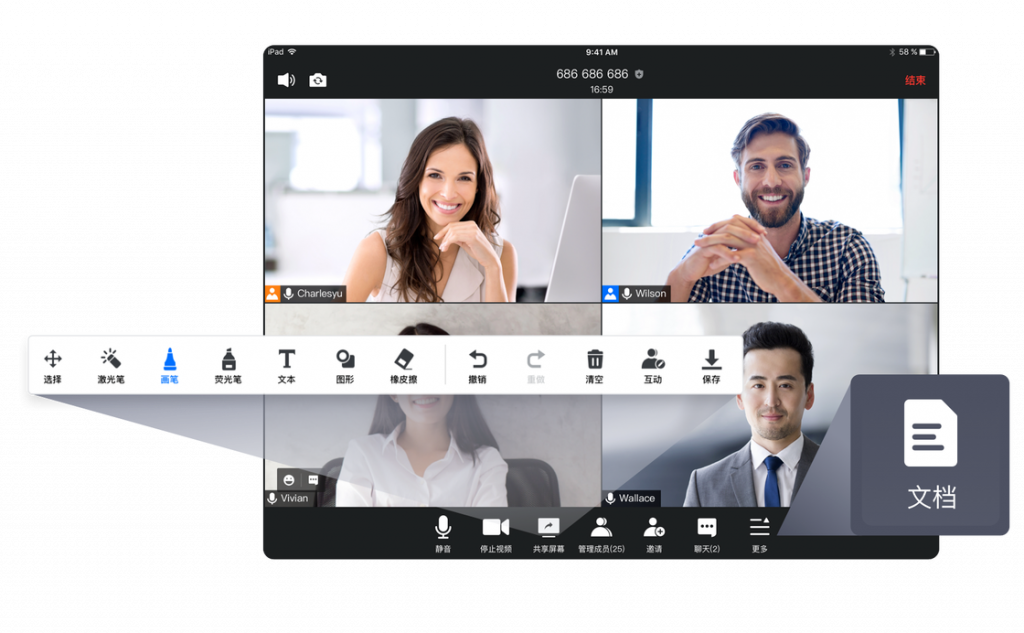
VooV (also known as Tencent Meeting) is essentially a Chinese copy of Zoom and has very similar core features. Zoom sometimes has connectivity issues in China, so VooV can be a more reliable option.
| VooV (Free Plan) Advantages | VooV (Free Plan) Limitations |
|---|---|
| ✅ Integrates well with Chinese tech and WeChat. ✅ In-class chat, emoji reactions, and hands-up feature. ✅ Record classes to your computer or the cloud (1 GB limit). ✅ Up to 30 participants (on video) per meeting. ✅ 60 minutes meeting limit (enough for most classes). | ❌ More basic whiteboard system. ❌ No annotation on screensharing (paid plan required). ❌ Limited teaching / student engagement tools. ❌ No out-of-class messaging / feedback / homework systems. ❌ No mouse control for student interaction. |
Although the longer time limit on meetings and stability in China are definite advantages of VooV, the lack of annotation tools and more the basic whiteboard functionality does limit the engagement opportunities during class.
Best for Academic Classes: CoRoom
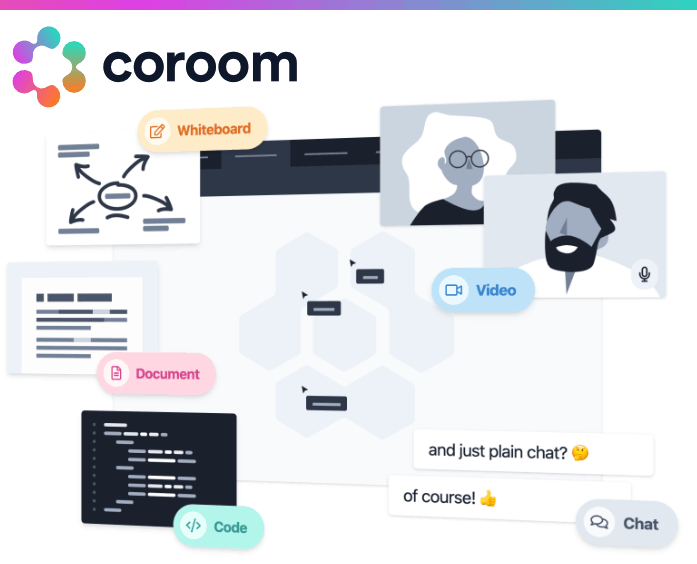
CoRoom is a lightweight, browser-based virtual classroom created specifically for educators.
It focuses on simplicity, digital whiteboards, and collaborative document editing – ideal for more academic classes.
| CoRoom (Free Plan) Advantages | CoRoom (Free Plan) Limitations |
|---|---|
| ✅ No time limit for classes. ✅ Excellent screensharing, including annotation tools. ✅ Excellent whiteboard tools, including worksheet uploads. ✅ Collaborative document editor for e.g. essay writing. ✅ Persistent whiteboards and in-class chat. ✅ Record classes to your computer. ✅ No software downloads required. | ❌ Maximum four participants per meeting. ❌ No out-of-class messaging / feedback / homework systems. ❌ No mouse control for student interaction. |
Although CoRoom is relatively basic compared to paid virtual classroom platforms, it could be a great choice for you if you want a free option and teach longer one-on-one or small group classes. For Abridge Academy teachers, the lack of mouse control is a minor limitation, but this can be adapted for using CoRoom’s annotation tools instead.
Best for Co-Browsing (Interaction with Web-Based Curriculum and Games): Hyperbeam Watch Party
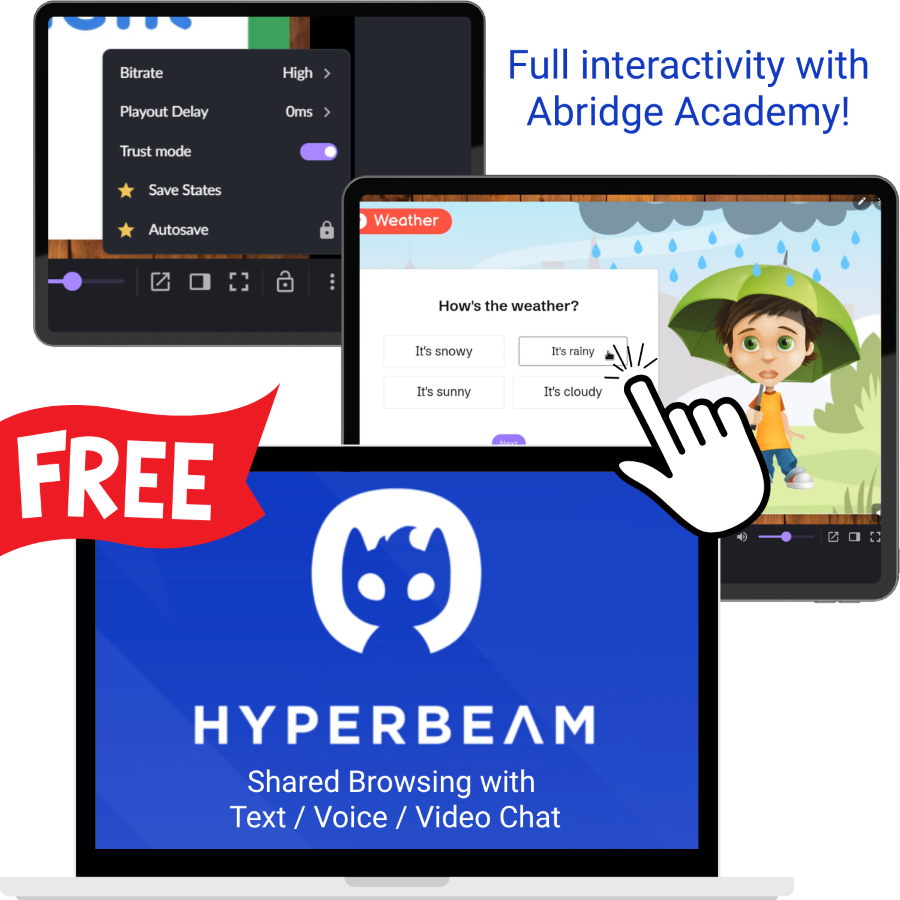
A less well-known option, Hyperbeam Watch Party was originally designed for friends and family to stream movies together online.
For online teachers, it is one of the few free tools allowing full student interactivity with the Abridge Academy lesson slides.
It uses a “co-browser” feature for this, which allows you to share any web-based resource (including the Abridge Academy lesson slides, games, videos, etc) collaboratively, so your students can click and directly interact.
| Hyperbeam (Free Plan) Advantages | Hyperbeam (Free Plan) Limitations |
|---|---|
| ✅ 3 Hour time limit. ✅ Co-browser, enabling full interactivity with Abridge Academy lesson slides. ✅ In-class chat (very basic). ✅ No software downloads required. | ❌ Maximum 12 participants per meeting. ❌ No collaborative whiteboard or student engagement tools. ❌ No annotation on shared content. ❌ No class recording. ❌ No out-of-class messaging / feedback / homework systems. ❌ Many stability issues, lagging, and occasionally forced waits if their free servers are busy. |
While Hyperbeam does sound like an excellent option for many online ESL teachers using the Abridge Academy lessons, it is worth considering the limitations. In particular, the platform frequently has stability issues, irritating advertisements for the premium plan, and lacks basic classroom features such as a whiteboard. You may wish to instead use it alongside another whiteboard-based teaching platform such as CoRoom.
Best for Out-Of-Class Collaboration: DingTalk
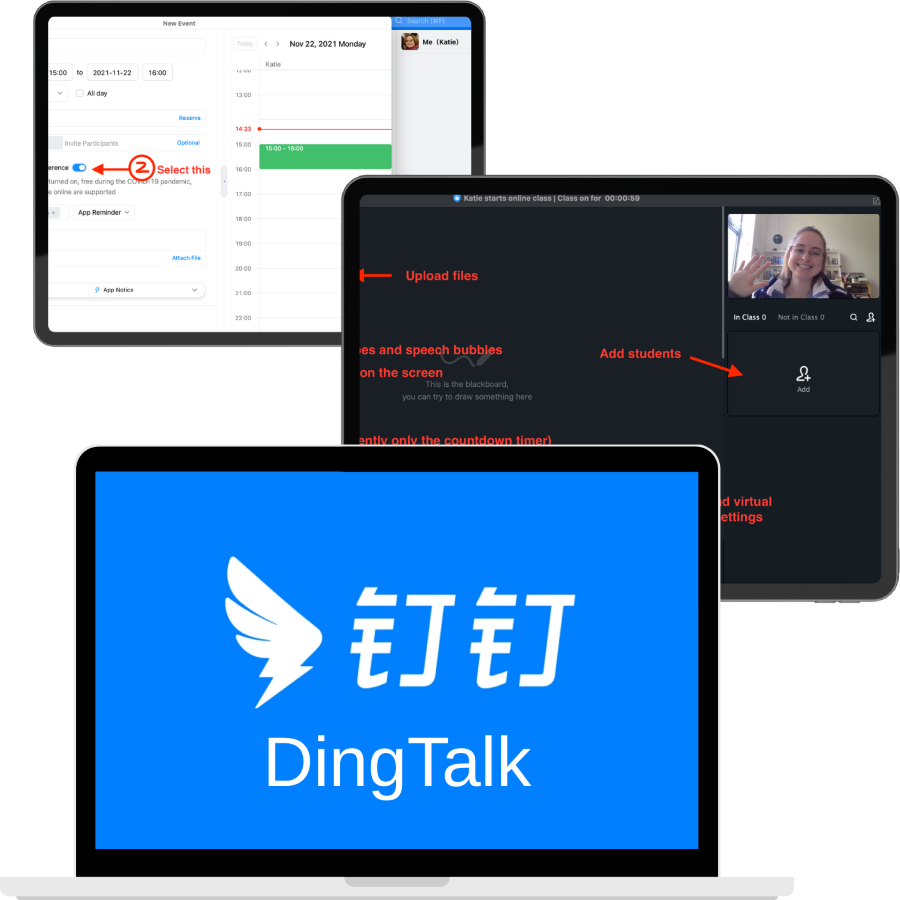
DingTalk is an excellent business messaging and file collaboration app used by many schools during the coronavirus pandemic.
It is a good alternative to ClassIn / Google Classroom for Chinese students in particular, as a Chinese app itself with good support and familiarity in China.
| DingTalk (Free Plan) Advantages | DingTalk (Free Plan) Limitations |
|---|---|
| ✅ Excellent whiteboard tools, including worksheet uploads. ✅ Collaborative document editor (including docs, sheets, etc), including both in and out of class – great for homework, extended projects, and essays. ✅ Good screensharing, including annotation tools. ✅ Decent engagement tools, e.g. timers, quizzes, polls. ✅ Record classes to your computer. ✅ Built-in calendar and booking system. ✅ AI meeting summaries and Q&A. | ❌ 40 Minute time limit per meeting. ❌ 10 Contacts limit (i.e. max 9 students total). ❌ No mouse control for student interaction. ❌ Only saves last 180 days of messages. |
DingTalk could be a particularly good option if you teach academic English classes for teens or business English classes for adults, and want an all-in-one messaging, scheduling, homework, and online class platform. The excellent file collaboration features are fantastic for their more extended writing tasks, essays, projects, etc. However, the 9 contacts limit and 40 minute meeting duration restriction could hold you back.
Best for Google Integration: Google Meet
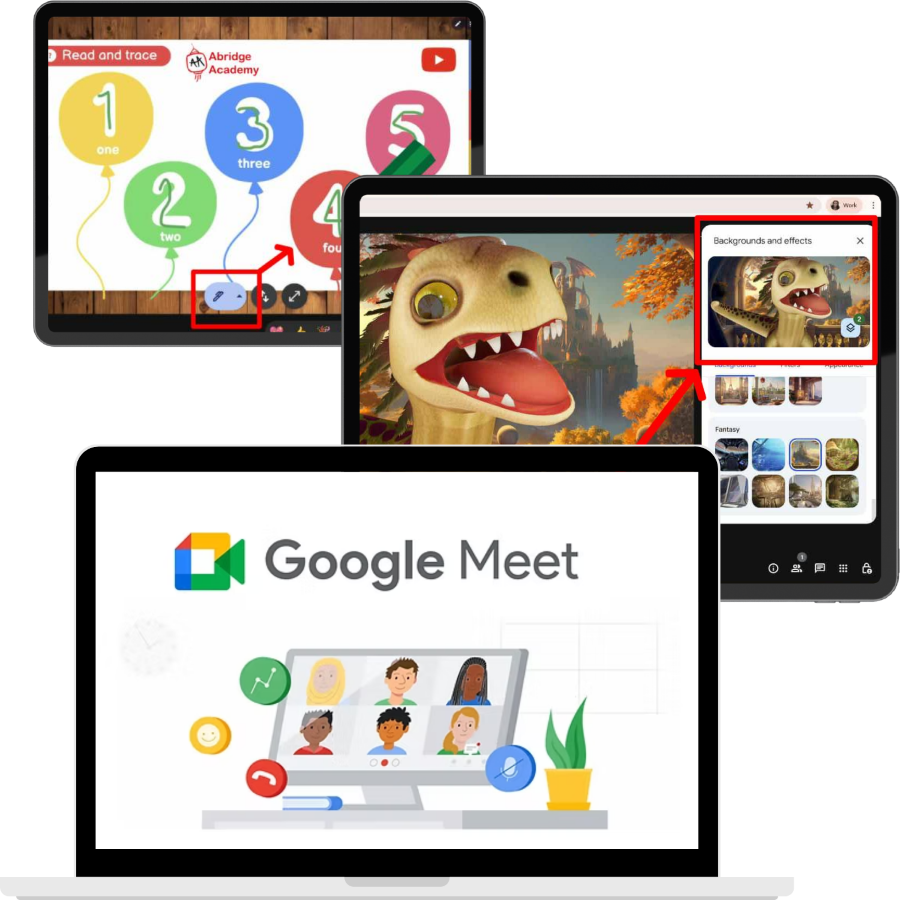
Google Meet is a great option if you are already in the Google ecosystem and want something simple, or as a back-up option alongside other tools.
It has stable video call features, fully integrates with other Google apps, and is very user friendly.
| Google Meet (Free Plan) Advantages | Google Meet (Free Plan) Limitations |
|---|---|
| ✅ 24 Hour meeting duration for one-on-one classes. ✅ Fun video filters, emoji reactions, and other tools ✅ Excellent integration with Google Docs, for collaborative editing and sharing. ✅ Integrates with Google Classroom for out-of-class communications, homework, messaging, etc. ✅ No software downloads required. | ❌ 60 Minute time limit for group classes. ❌ No whiteboard system. ❌ No annotations on screenshare (paid feature). ❌ No mouse control for student interaction. ❌ No class recording (paid feature). |
Given the more limited teaching tools, Google Meet is better suited for conversation-focused classes or for teachers using Google Docs (e.g. collaborative writing projects). For Abridge Academy teachers, the lack of advanced screensharing features is a major limitation, however.
Best for Schools: Microsoft Teams
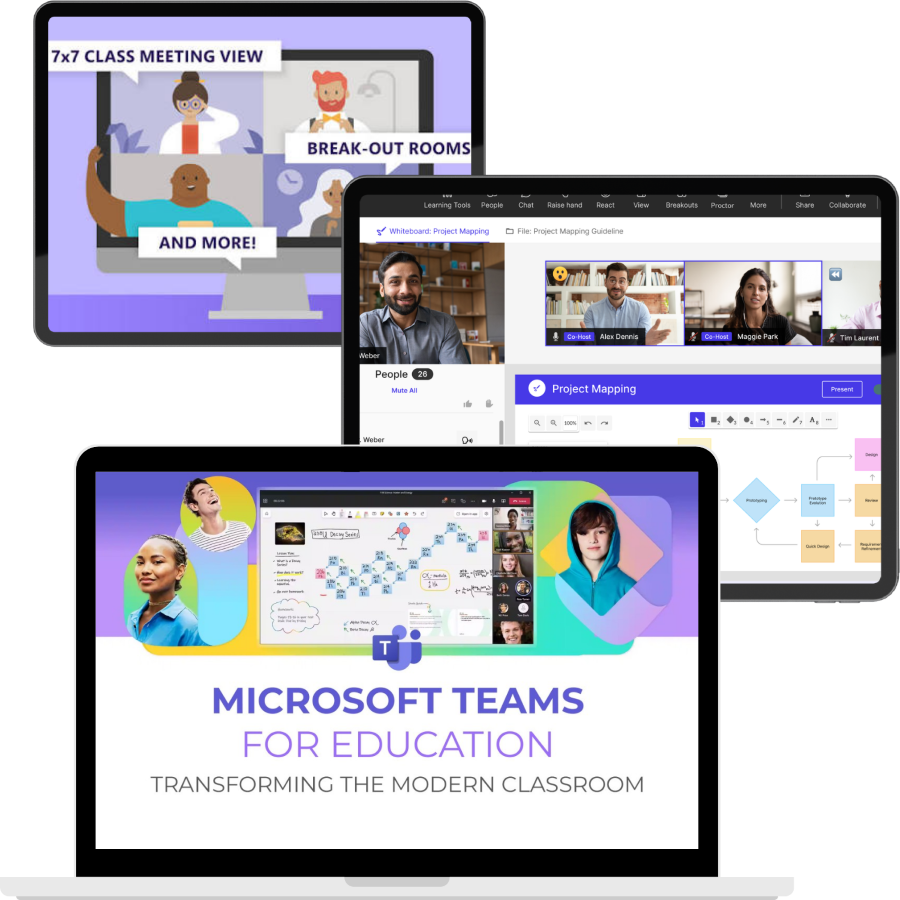
Microsoft also has a decent video-calling platform available for free – Microsoft Teams. Schools, tutoring agencies, and online teaching companies particularly love the team collaboration and management features. For Abridge Academy teachers, the longer meeting duration and mouse control during screensharing makes Teams a good option for more interactive lessons. However, the overall platform may feel quite clunky and overwhelming.
| Microsoft Teams (Free Plan) Advantages | Microsoft Teams (Free Plan) Limitations |
|---|---|
| ✅ 30 Hour meeting duration for one-on-one classes. ✅ Good screensharing, including annotation features and mouse control (for interactivity). ✅ File sharing, collaboration, and polling tools, via integrated Microsoft 365 (free) apps. ✅ Excellent collaborative whiteboard, including worksheet uploads. ✅ Record classes to the cloud. ✅ Out-of-class collaboration, e.g. messaging, class notebook, assignments, quizzes / tests, announcements, grade tracking. | ❌ 60 Minute time limit for group classes. ❌ Less user-friendly than other options. |
Note: If you are a registered school, you can get full access to premium Microsoft 365 features for free too.
Best for Whiteboard-Based Tutoring: Bramble
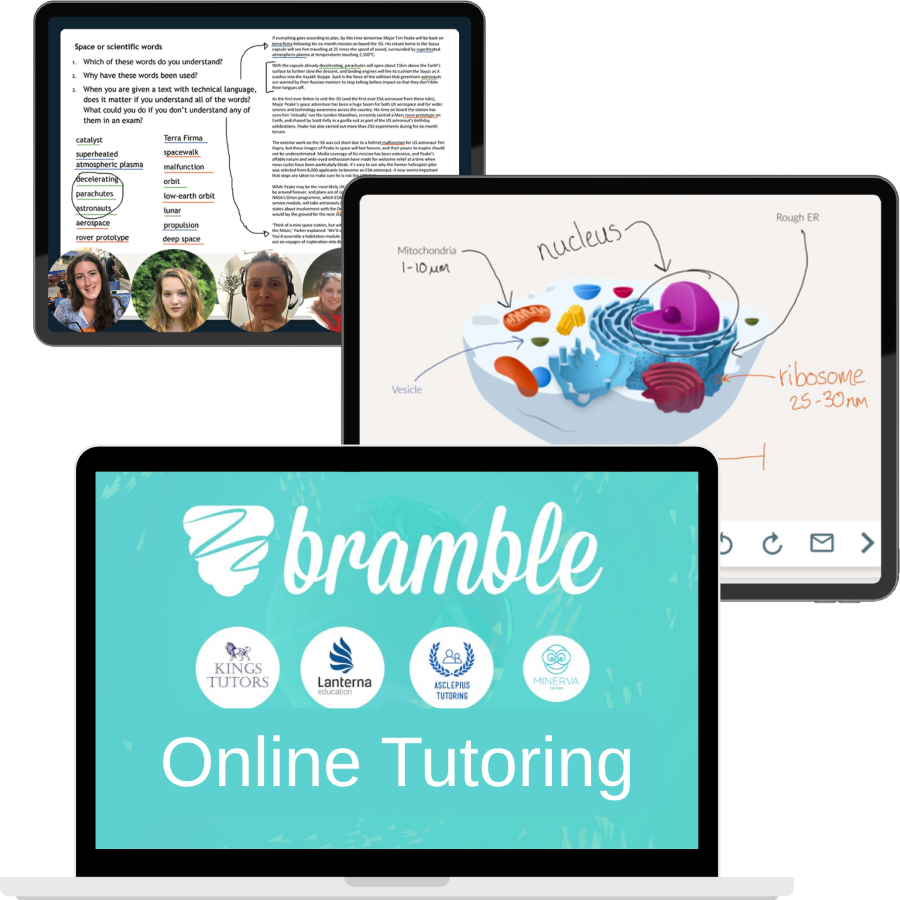
Unlike generic video software, Bramble was created specifically for online 1:1 tutoring.
Its basic free plan offers specialised educational tools that standard meeting apps lack, although there are some key limitations which may make it less suitable for Abridge Academy teachers.
| Bramble (Free Plan) Advantages | Bramble (Free Plan) Limitations |
|---|---|
| ✅ No time limits for one-on-one classes. ✅ Excellent collaborative whiteboard, including worksheet uploads. ✅ Unlimited lesson recordings. ✅ Notebook and filesharing features. ✅ AI lesson summaries. ✅ No software downloads required. | ❌ Only supports one-on-one (in free tier). ❌ No screensharing or built-in browser. |
As a relatively new, purpose-built tutoring platform, Bramble has a lot of potential! However, for many teachers, the lack of screensharing or any way of sharing web-based resources (lesson slides, videos, digital games, etc) is a major drawback.
Best for Conversation Classes: WhatsApp
A popular free messaging app used by millions of people all around the world, WhatsApp (or other free messaging apps) is an easy option if you are teaching more conversation-focused lessons and just need a reliable video calling platform with basic features.

| WhatsApp Advantages | WhatsApp Limitations |
|---|---|
| ✅ Familiar app your students already use. ✅ No time limits. ✅ Up to 32 people per call. ✅ Basic screensharing. ✅ Out-of-class messaging and file sharing features (great for homework and feedback), including one-on-one chats and groups. | ❌ No annotations on screenshare. ❌ No mouse control for student interactivity. ❌ No built-in whiteboard (but you could combine with e.g. Excalidraw). ❌ No class recording. |
Top tip: Check which messaging and video call apps are popular in your specific target market. For example, if you teach Chinese students you can use WeChat instead, which has very similar features to WhatsApp.
Best for Community: Discord

If your classes are more of a supplement to an online study community, then consider using a platform such as Discord. You can create a “private server” (closed community group) with organised discussion spaces, voice channels, document sharing, and large group video calls.
| Discord Advantages | Discord Limitations |
|---|---|
| ✅ Familiar app your (Gen-Z) students already use. ✅ No time limits. ✅ Up to 25 people per video call, or 50 viewers for livestreamed webinars. ✅ Basic screensharing. ✅ Excellent out-of-class community and discussion features. ✅ Automation tools to simplify admin and content moderation as your community grows. ✅ Built-in community monetisation features. | ❌ No annotation on screenshare. ❌ No mouse control for student interactivity. ❌ No built-in whiteboard (but you could combine with e.g. Excalidraw). ❌ No class recording. ❌ A bit complicated to set up if you are not tech-savvy or haven’t used Discord before. |
Top tip: If you teach adults rather than teens or university students, you may wish to use Slack instead. Slack has many similar features to Discord, but is designed more for professional use.
Summary
Finding the right virtual classroom comes down to your target audience, student age group, and how much interactivity your curriculum requires. If you teach young learners who need to click, drag, and interact on screen, platforms with mouse control or co-browsing like Zoom, MS Teams, or Hyperbeam are your best options. If you teach teens or adults, tools like VooV, CoRoom, or Google Meet offer simple, reliable alternatives without strict time limits. More whiteboard-focused teachers might prefer DingTalk or Bramble, whereas teachers offering primarily conversation-based classes could opt for WhatsApp or Discord.
Whichever platform you pick as your primary virtual classroom, always set up a secondary option as a backup. Tech glitches happen, and being able to quickly send an alternative meeting link keeps your lessons running smoothly without losing paid teaching time.
It’s also worth bearing in mind that as your teaching business grows, you can always upgrade to specialised paid platforms like Koala Go or ClassIn to unlock even higher engagement and justify premium rates.
Boost Classroom Engagement with Abridge Academy
A reliable video platform is only half of the equation—you also need engaging, zero-prep teaching materials that look modern and polished on screen share.
No matter which free platform you choose, Abridge Academy gives you the interactive content you need to run high-energy, professional ESL lessons:
- 🎯 Interactive CEFR Placement Tests: Assess new students accurately in under 10 minutes.
- 🚀 Zero-Prep Web Slides: Gamified, highly visual lesson decks designed specifically for young learners and teens.
- 🏆 Trial Decks & Certificates: Built-in rewards and trial materials designed to impress parents and convert new leads.
- 📋 Workbooks & Progress Tracking: Homework resources and feedback tools to keep students practicing between classes.
Stop spending unpaid hours making slide decks from scratch. Sign up for a free Abridge Academy account today and transform your students’ online learning experience!